Fax anything,
from your phone.
No machine, no phone line, no subscription. Every fax comes with a receipt.


How a fax goes out
- Step 1 of 4
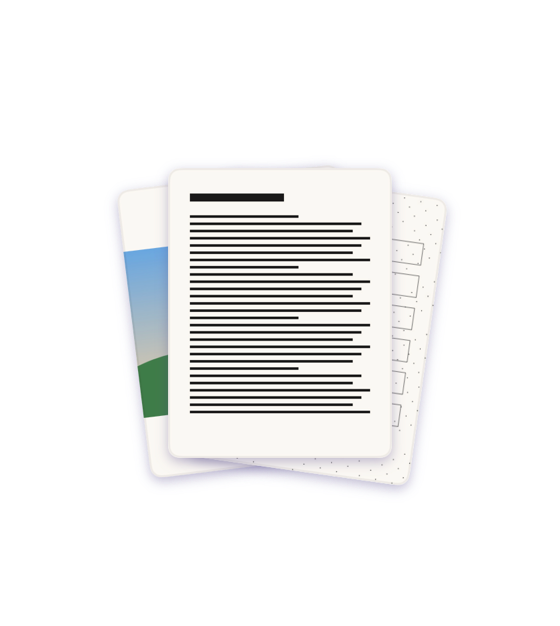
What are you sending?
Scan paper with the camera, or pick a PDF, an image or a photo.
- Step 2 of 4
Address your fax.
Pick the country and type the number. Before you send, Ditto shows the number it will dial.
- Step 3 of 4
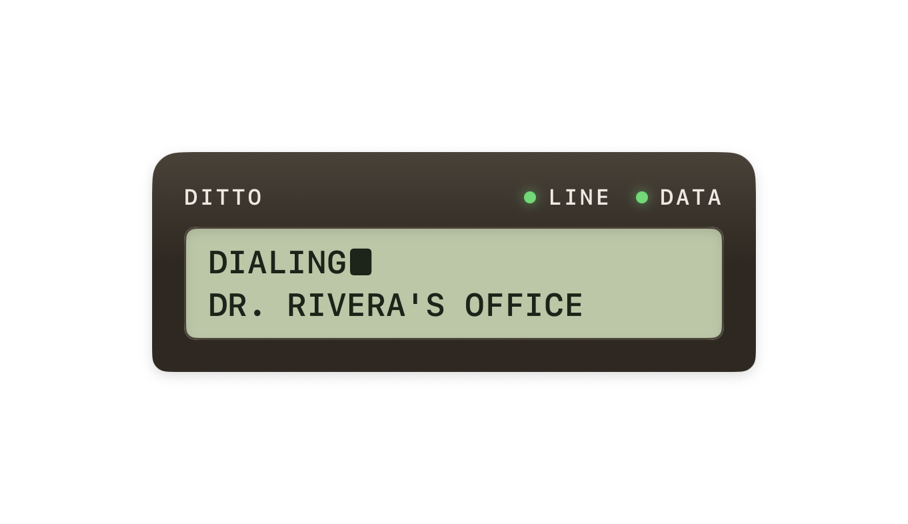
Watch your fax go out.
We dial their fax machine and send your pages down the line, one at a time. You can close Ditto meanwhile: the fax keeps going.
- Step 4 of 4
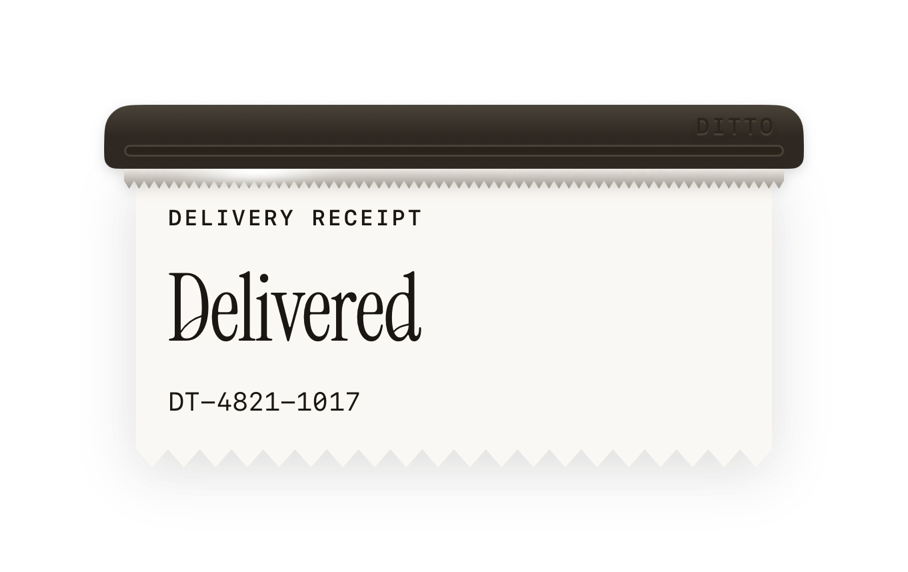
A receipt for every fax.
Delivered means the receiving fax machine confirmed it got the fax.


What does a fax cost?
1 credit = 1 page, and a cover page counts as one. Credits come in one-off packs, bought in the app. There is no subscription.
Paid through the App Store. We never see your card.
Credit packs
| Pack | US | UK |
|---|---|---|
| 4 pages | $2.99 | £2.99 |
| 20 pages | $9.99 | £10.99 |
| 50 pages | $19.99 | £19.99 |
| 150 pages | $49.99 | £44.99 |
App Store prices: in the US before sales tax, in the UK with VAT included. Other countries pay the App Store's price in their own currency, shown in the app before you buy.
Your fax.
Your business.
Locked on the way out
Your fax leaves your iPhone encrypted. No account, no email, nobody to tie it to.
Sent, then gone
Your document is wiped from our servers as soon as it's handed to the fax network.
Just yours
No ads. Your pages never train AI. History stays on your phone, and one tap clears it.
Can I receive faxes?
No. Ditto sends faxes. It can't receive them, so it gives you no fax number. If you need a reply, ask for it another way, like email or phone.
Faxing, explained.
How to send a fax from an iPhone, what a fax costs, and which fax apps work without a subscription.
How to send a fax from your iPhone
Send a fax from your iPhone with Ditto: type the number, scan the pages or pick a PDF, and get a receipt. No fax machine, no phone line, no subscription.
How much does it cost to send a fax?
What sending a fax costs in the US: at a library, at FedEx Office, with a fax app, and with Ditto's credit packs, from $0.33 a page. Prices checked on 3 November 2026.
Fax apps without a subscription
Fax apps on the US App Store you can pay for as you go, with their credit prices as their App Store pages listed them on 3 November 2026, and how to cancel a weekly plan.
- Deutsch
Kündigung per Fax vom Handy senden
Kündigung per Fax vom iPhone senden: wann ein Fax reicht und wann nicht, was der Sendebericht beweist und bis wann die Kfz-Versicherung gekündigt sein muss. Stand: 3. November 2026.